Please read ALL instructions before downloading app.
1. Download App
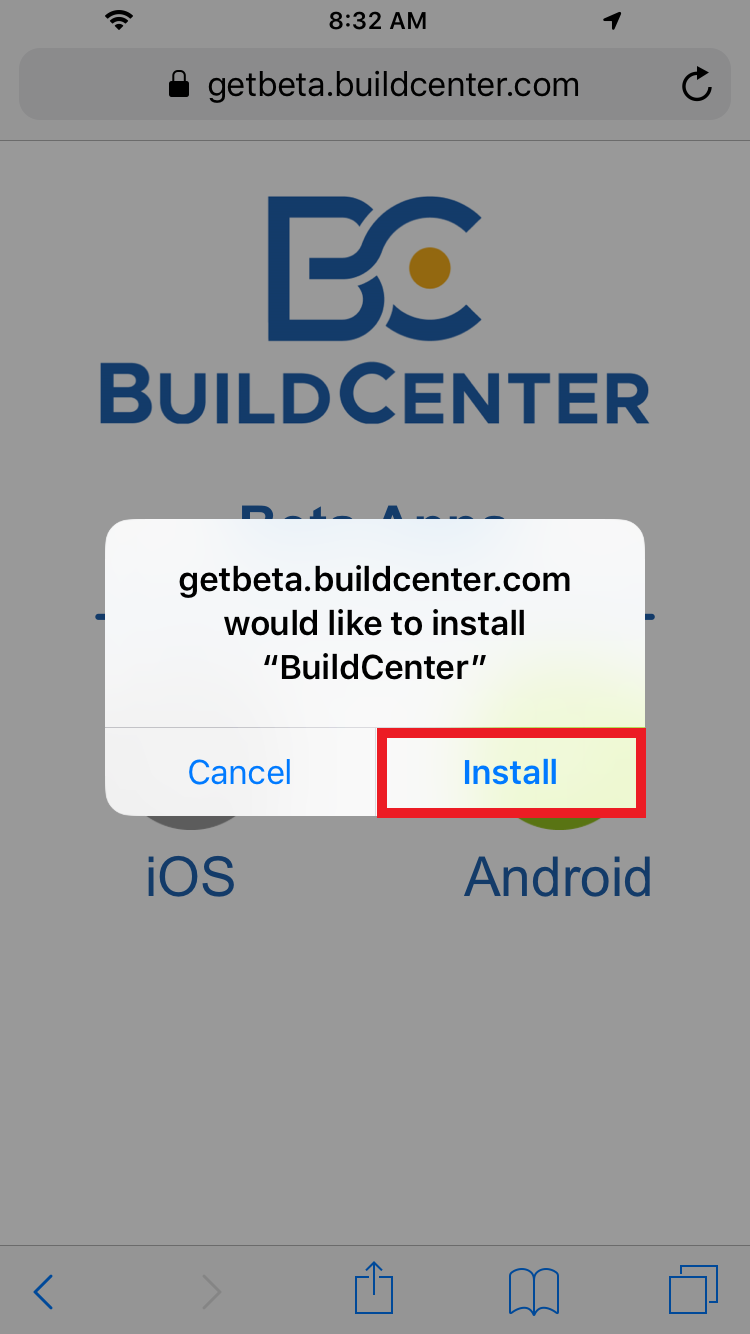
2. Click Install.
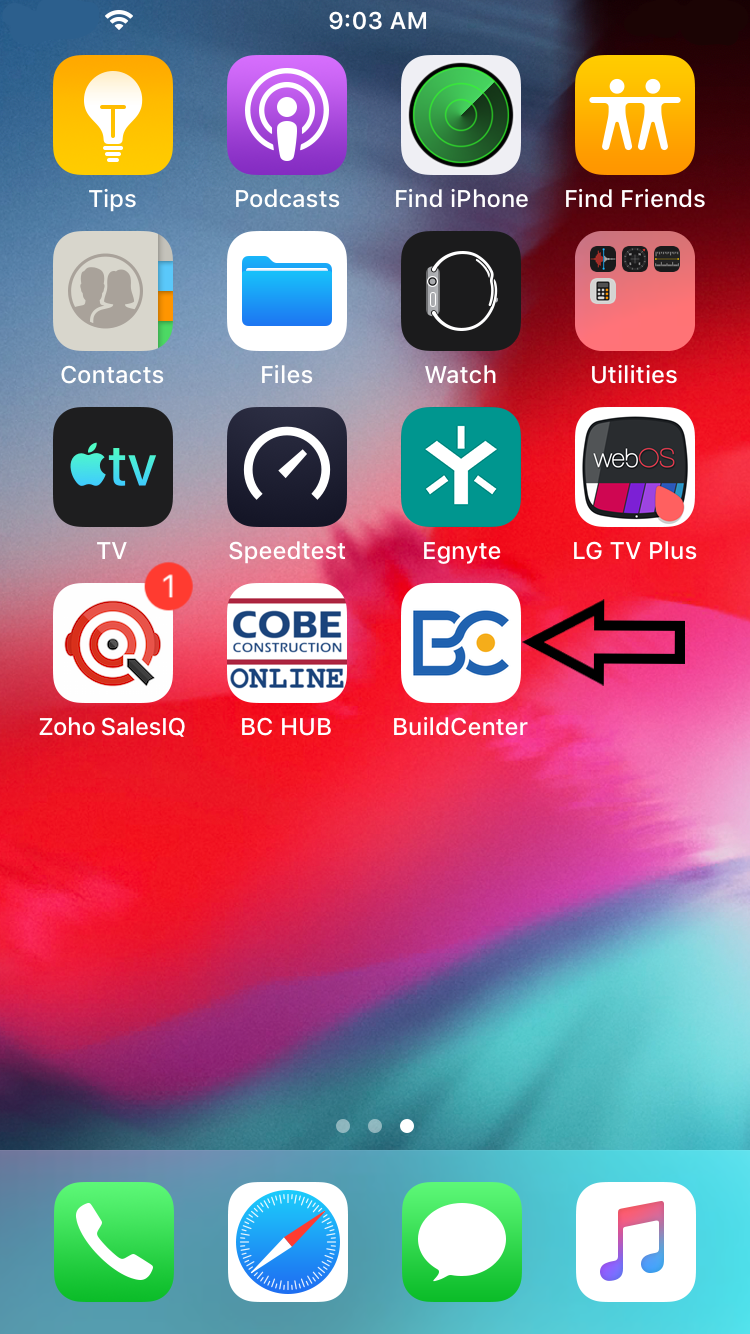
3. Go to home screen, find the BuildCenter app to verify the install.
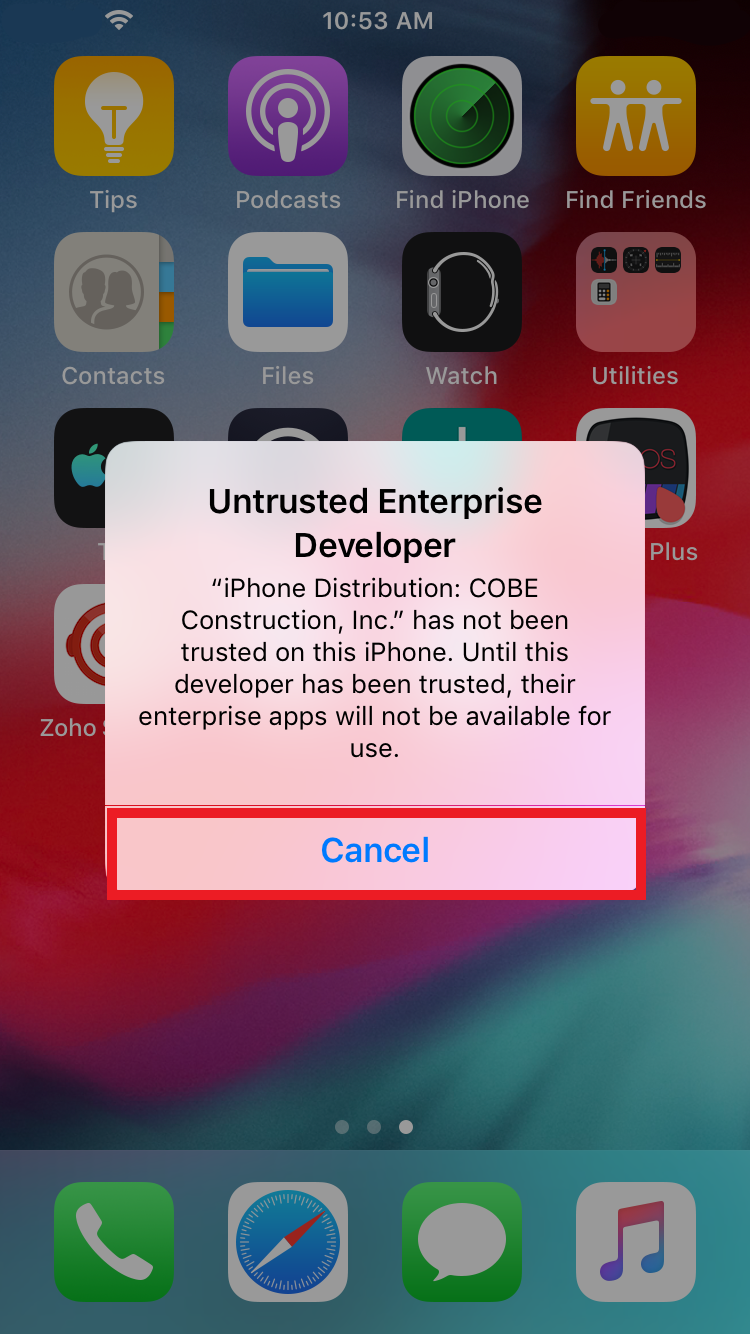
Note: If you open the BuildCenter app, and receive the error below, click cancel and continue to step 4.
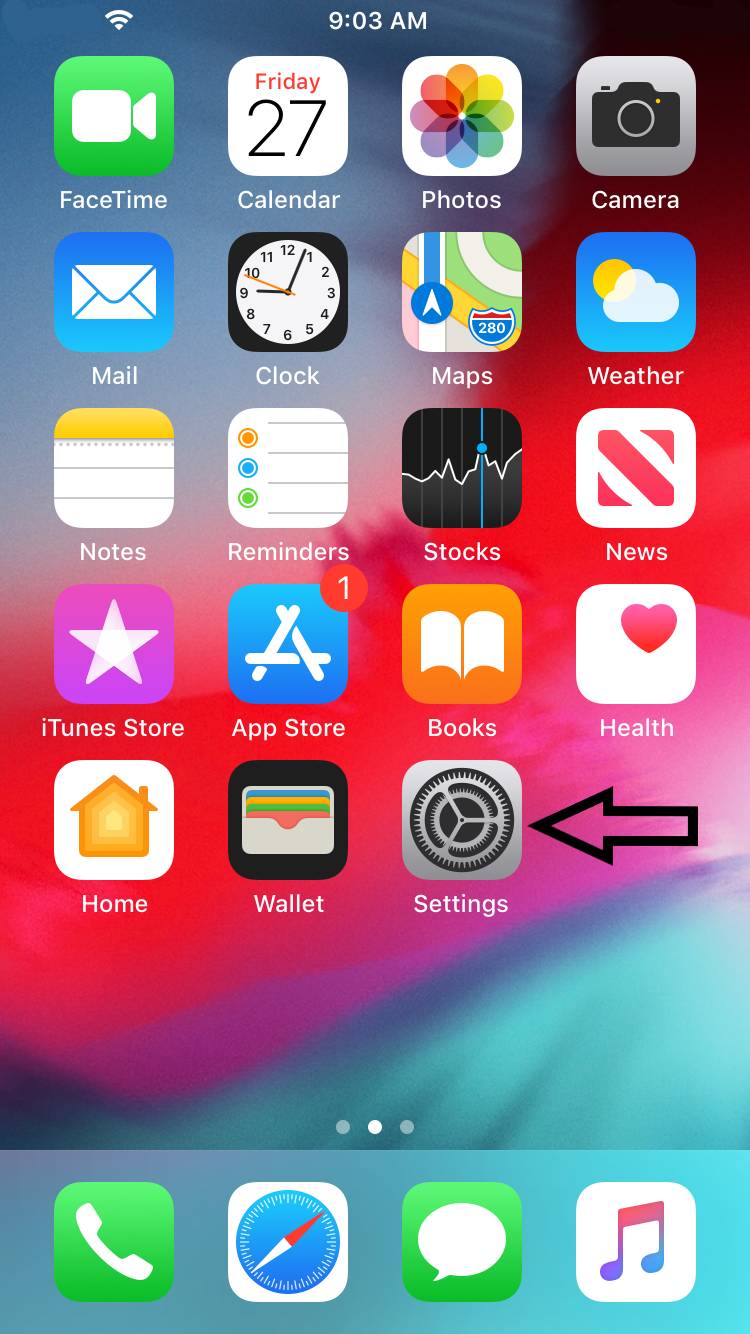
4. Click on Settings.
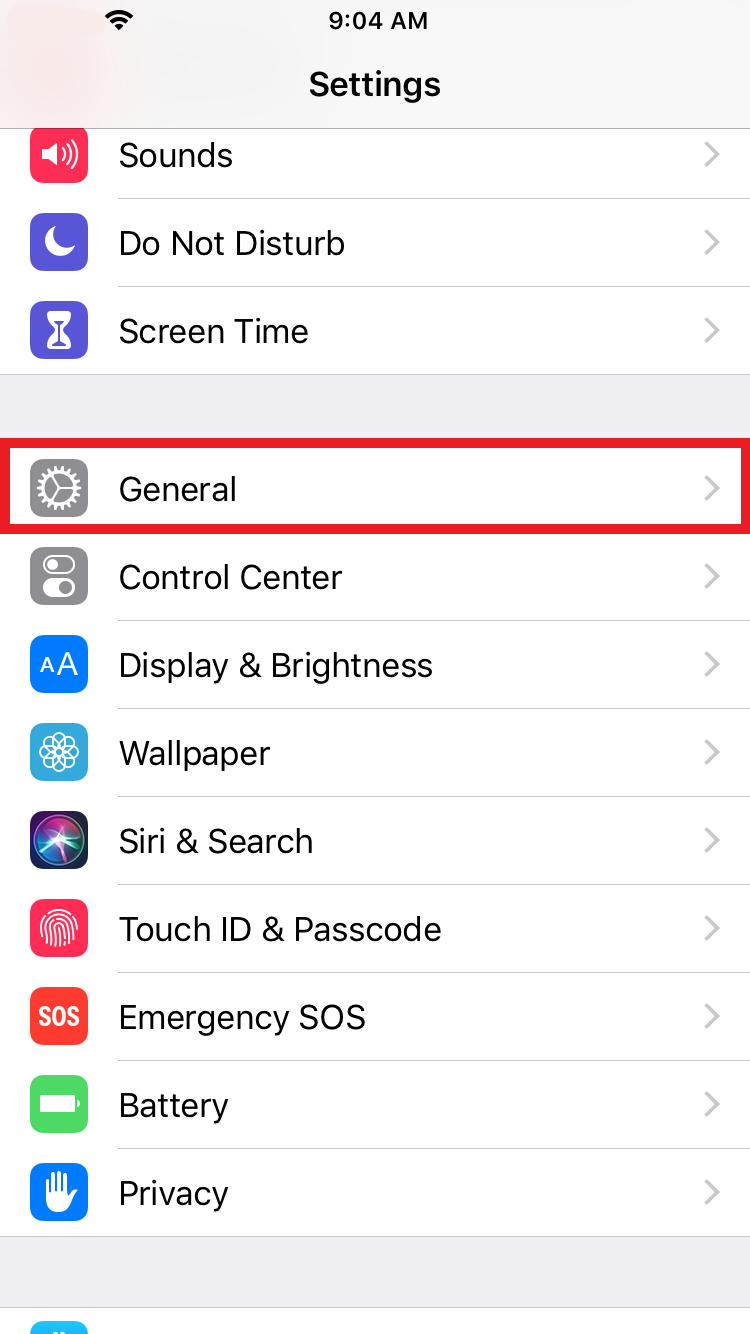
5. Click on General
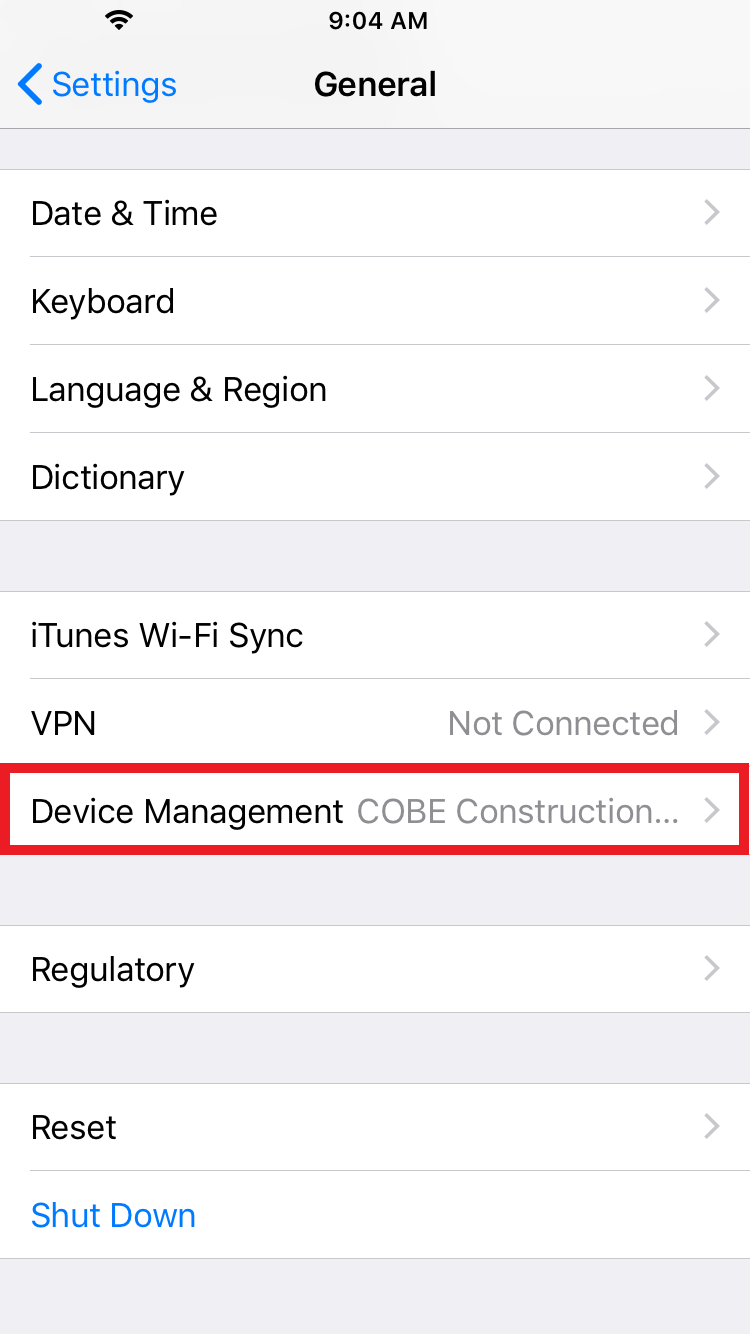
6. Click on Device Management.
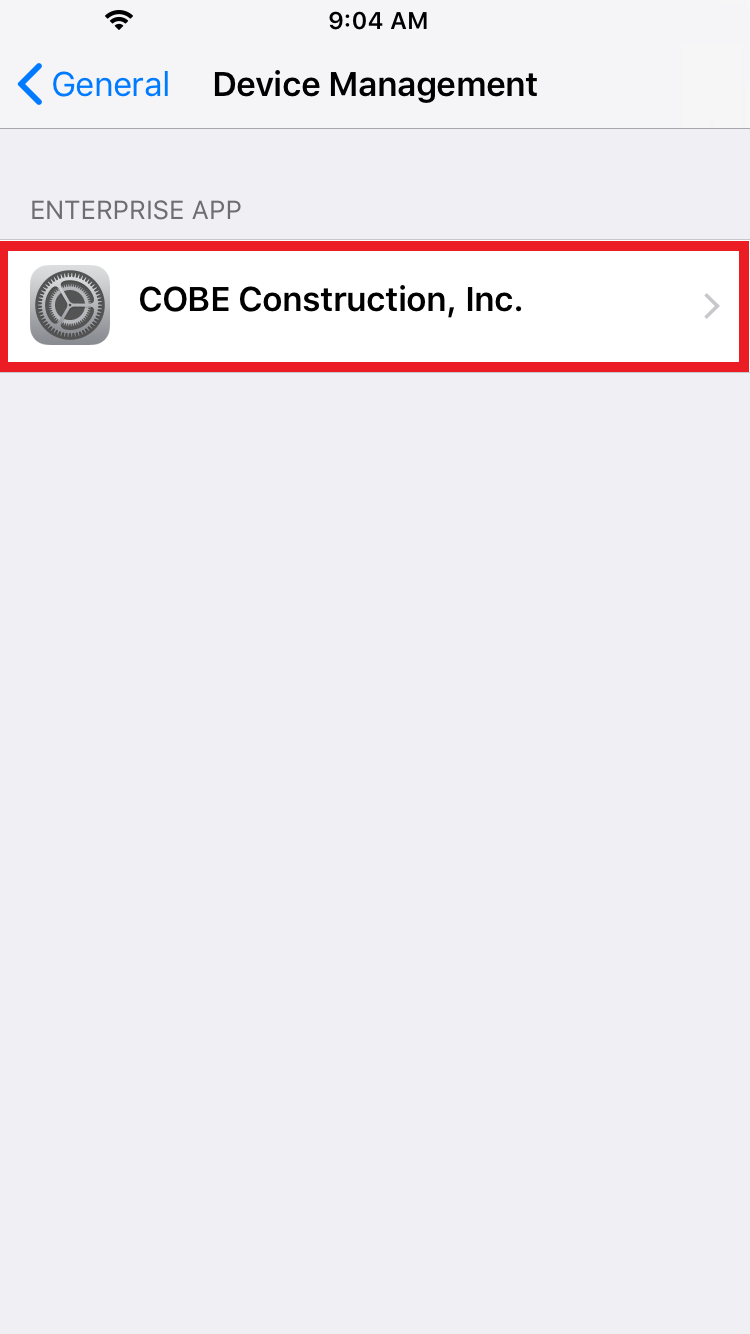
7. Click COBE Construction, Inc.
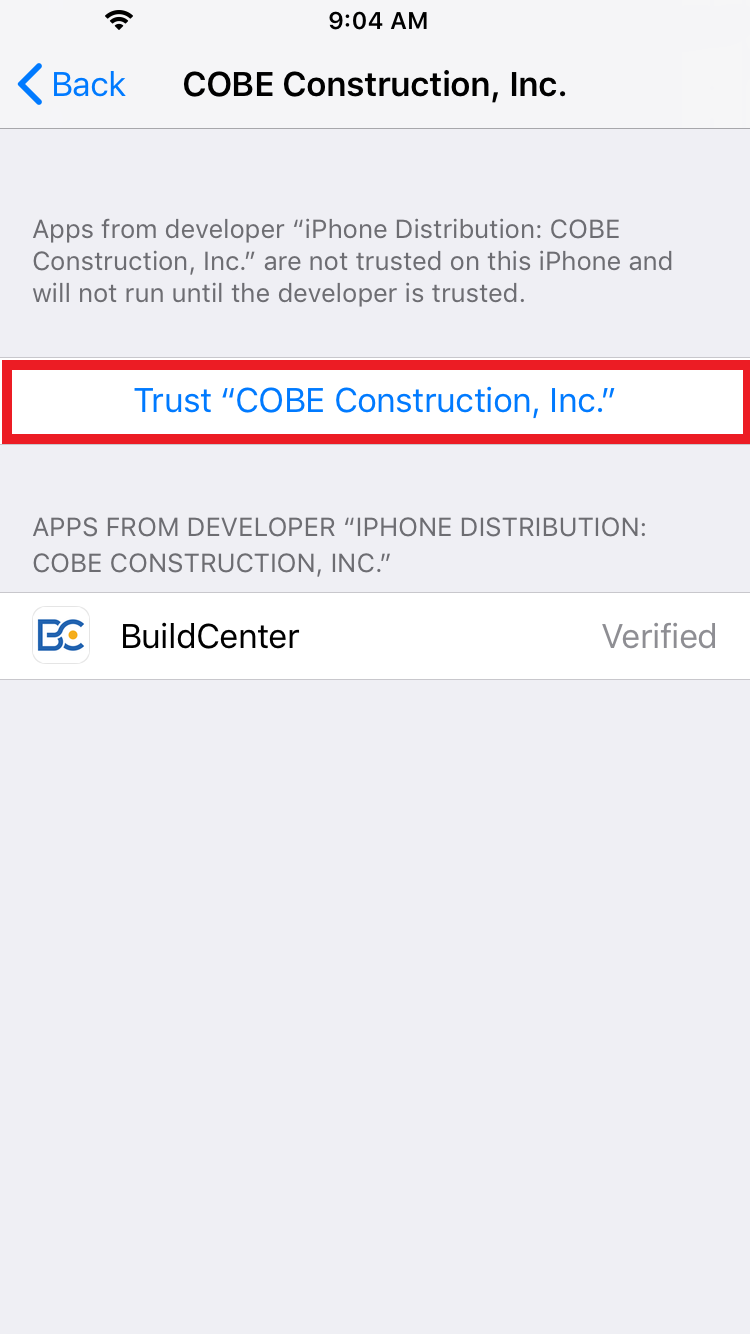
8. Click on Trust COBE Construction, Inc.
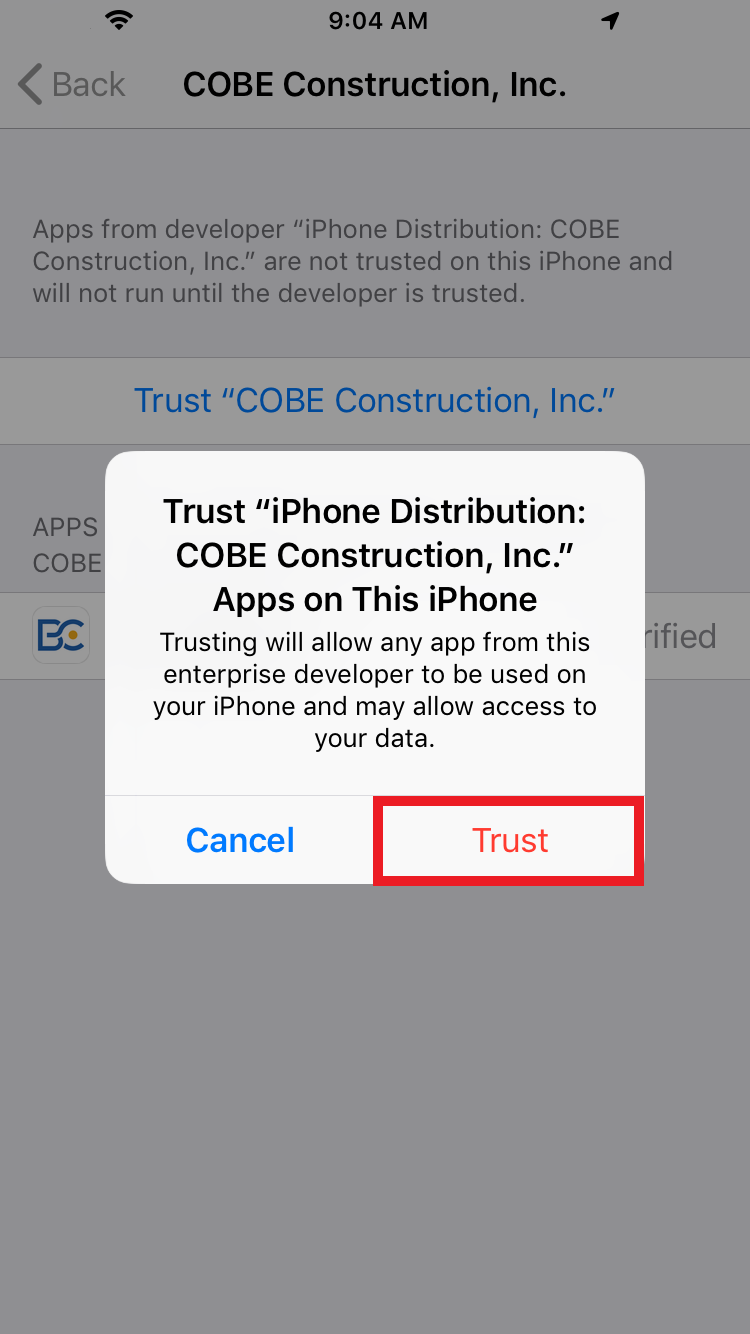
9. Click Trust.
10. Exit settings, and click BuildCenter app.
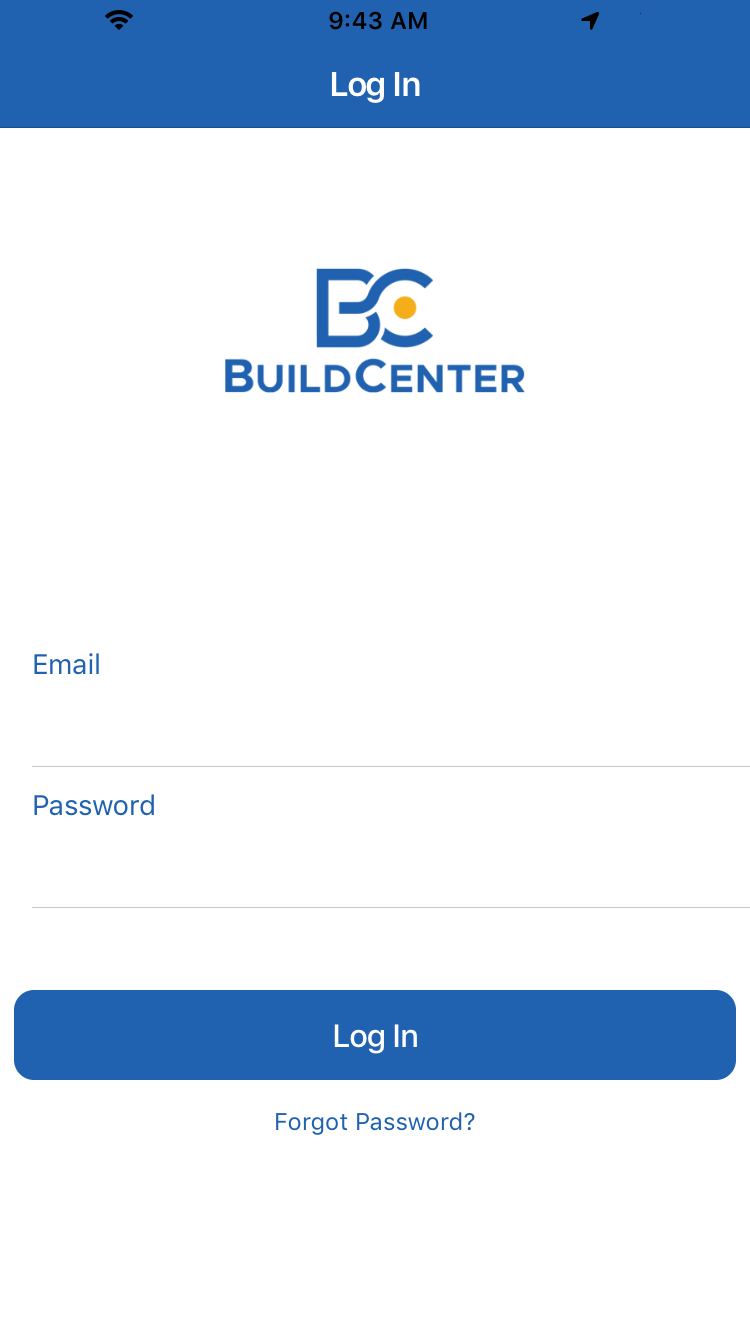
11. BuildCenter login will appear.